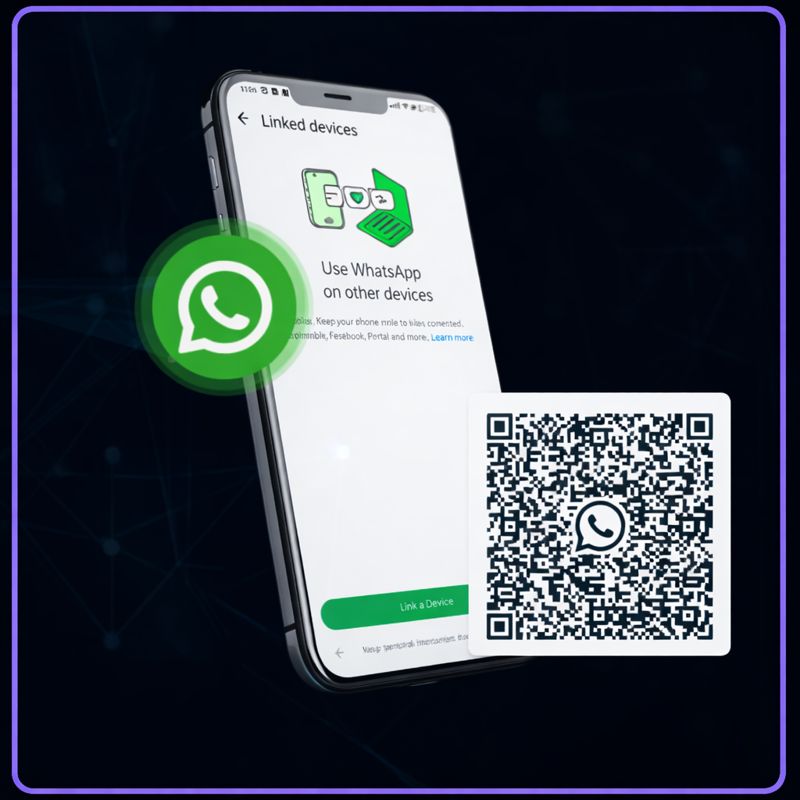
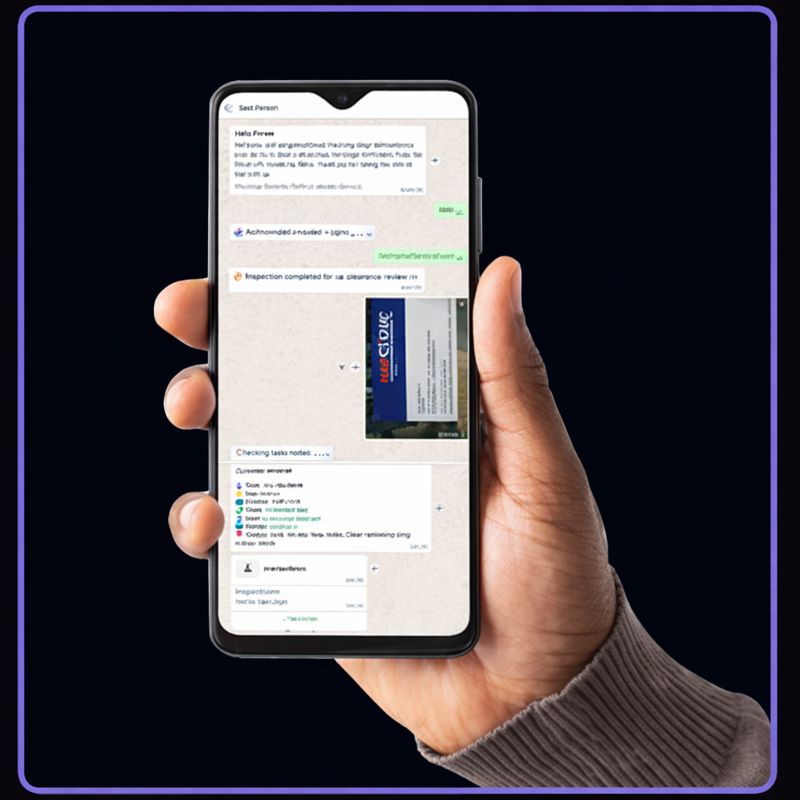
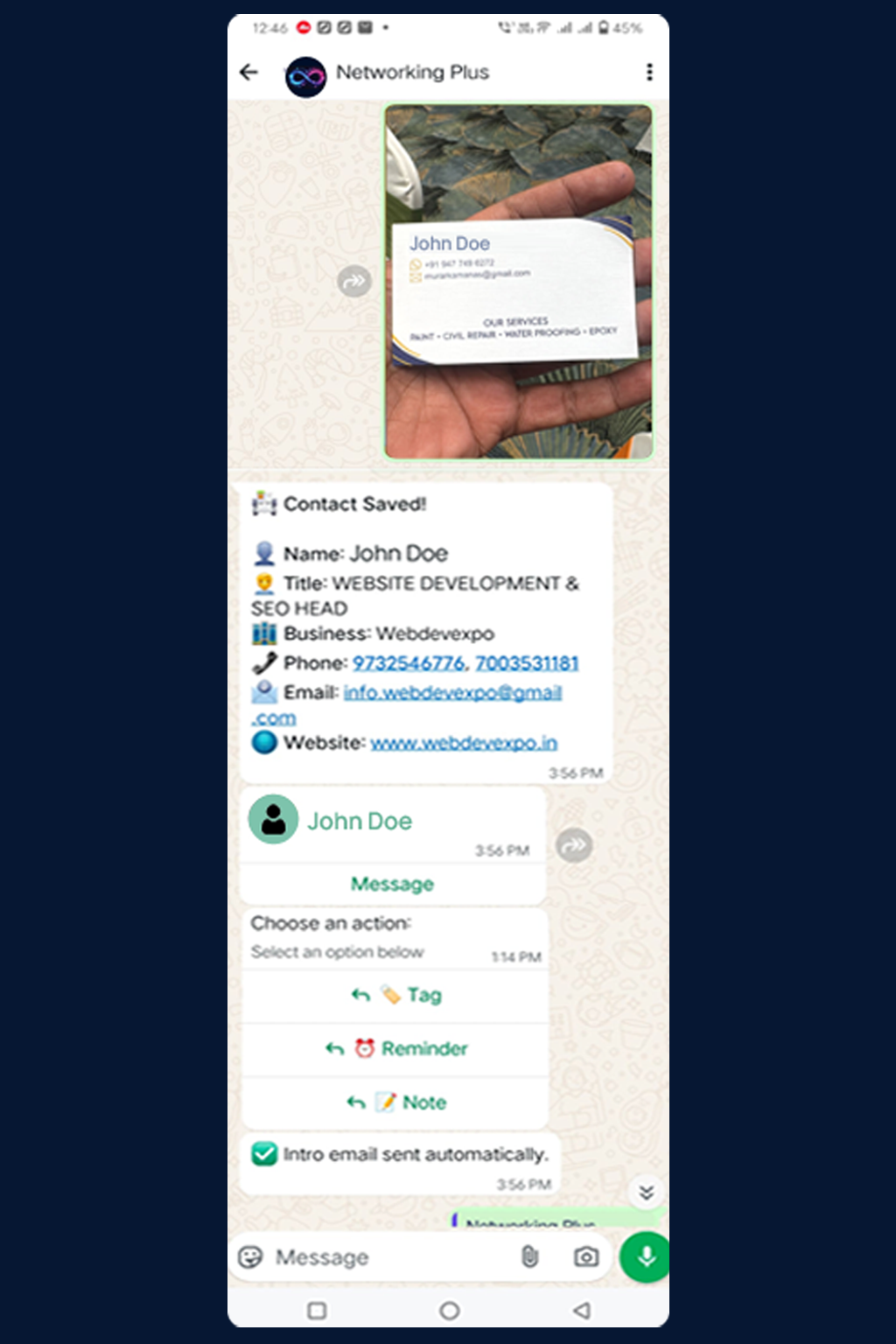
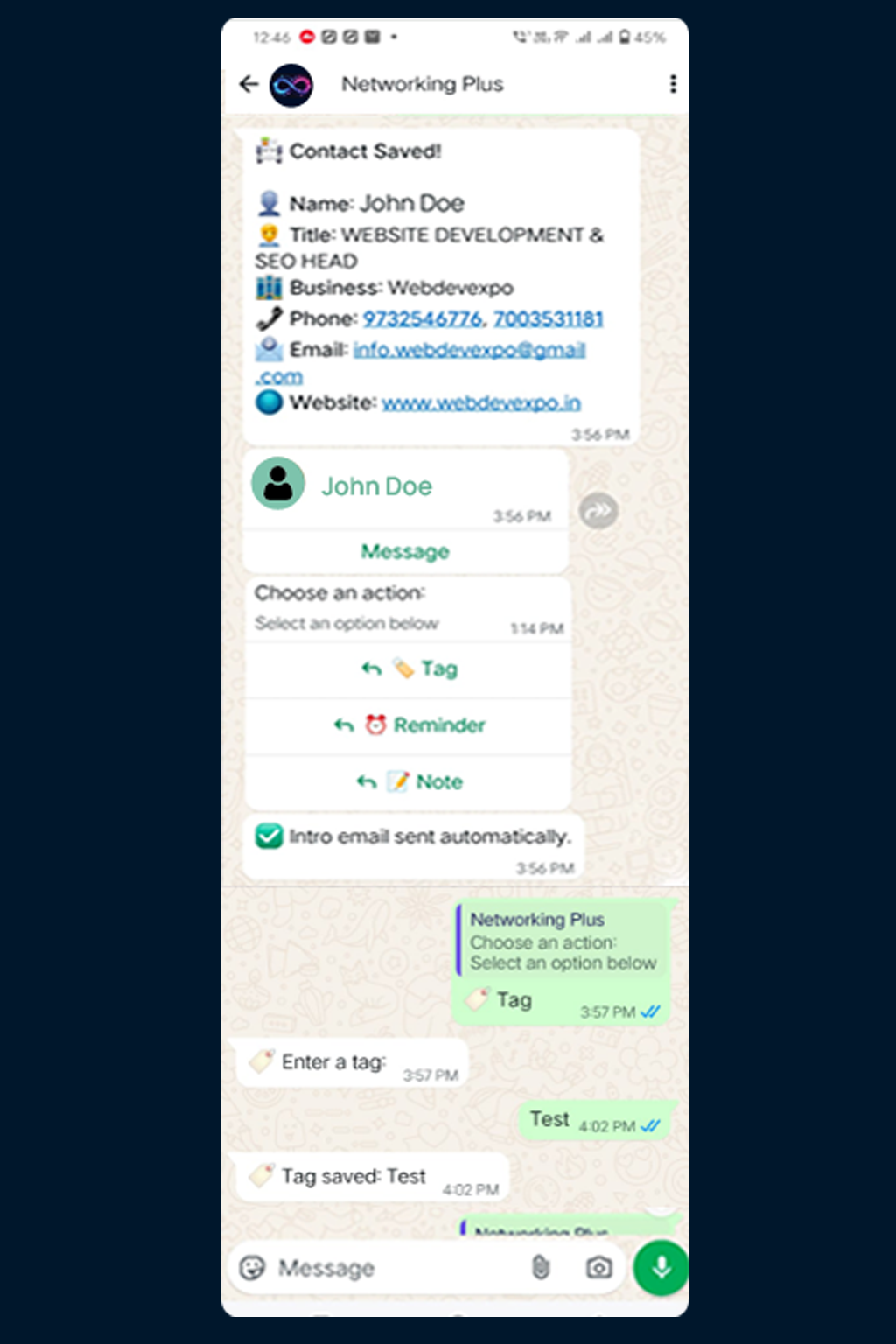
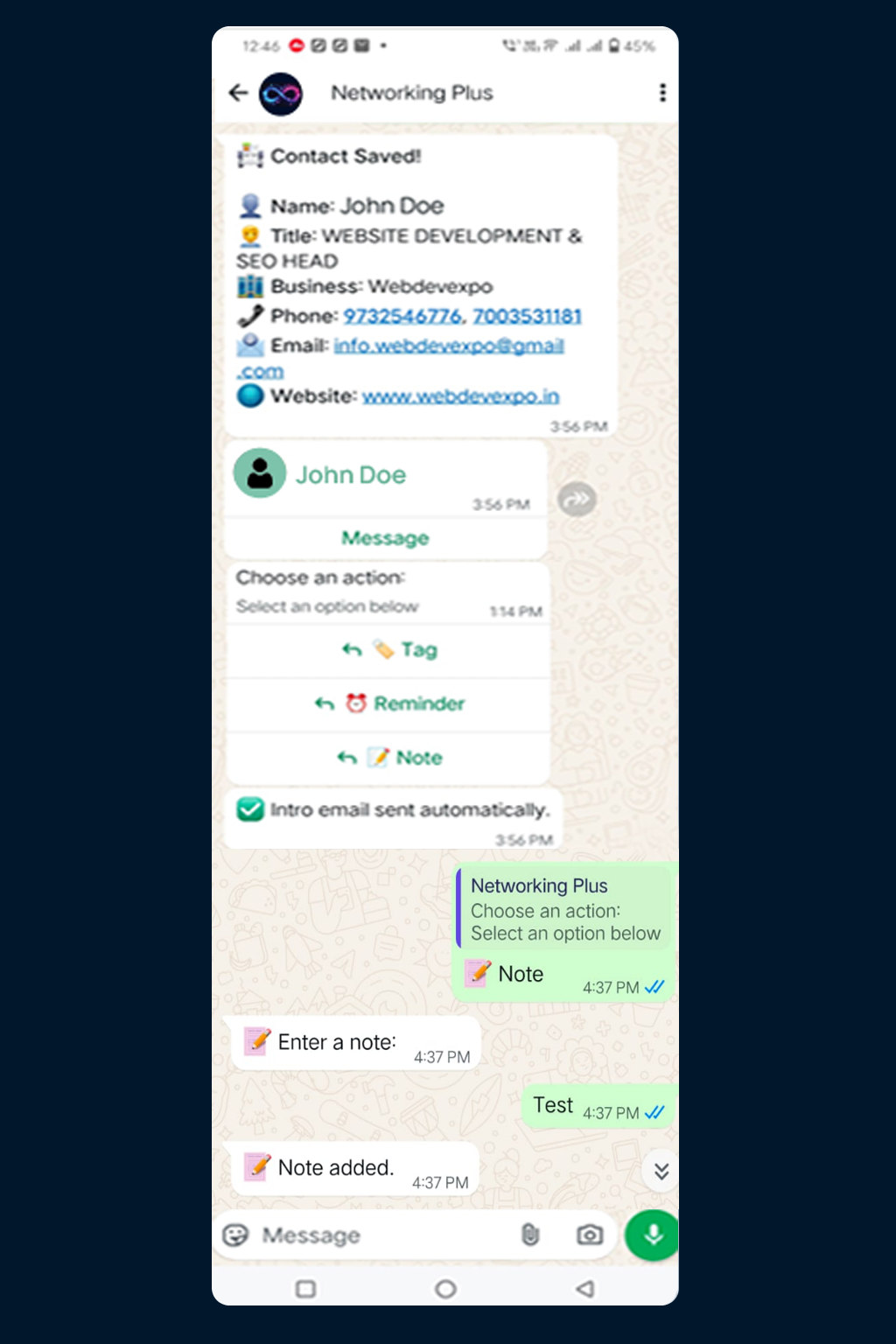
Revolutionize your networking experience with Networking Plus. Simply send a photo of your business cards via WhatsApp, and our AI agent will effortlessly digitize, organize, and access your contacts in seconds!
Launch Networking
Plus on WhatsApp
Submit a photo of any
business card or
document. Our AI
instantly processes the
image for you.
We seamlessly
extract the contact
information.
Enhance your
connections by adding
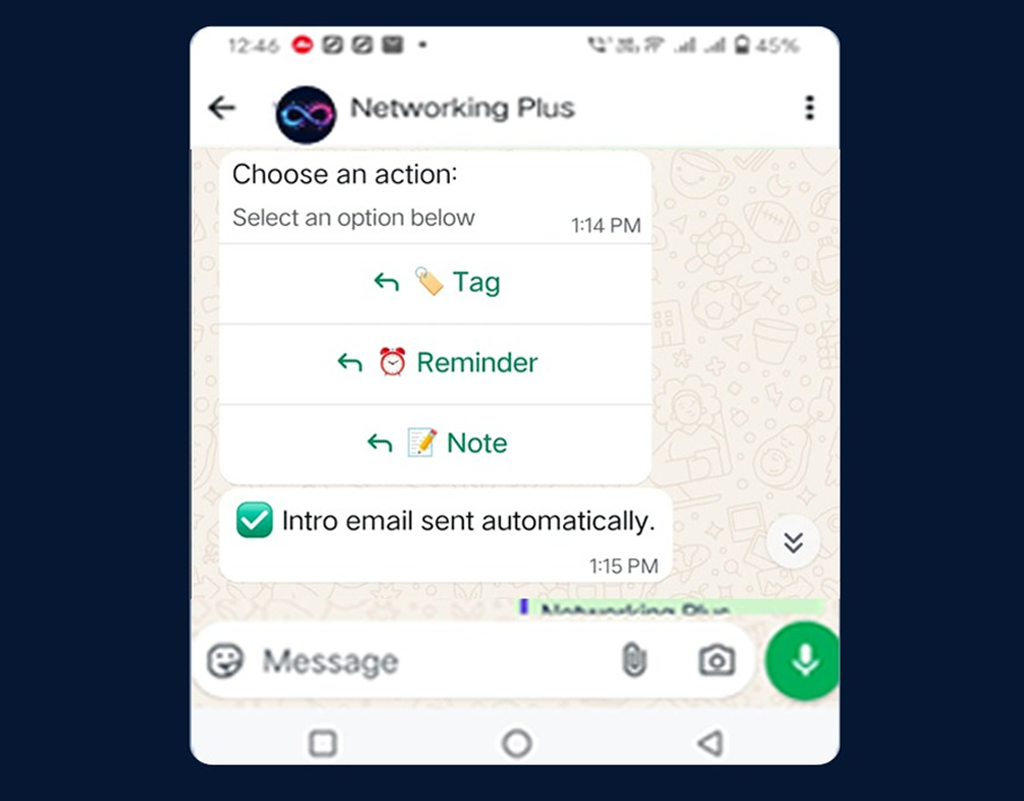
tags, notes, reminders,
or exporting your
contacts at any time.
Streamline your business networking with AI-driven tools that enhance
connection
management for today’s professionals
Our AI effortlessly generates VCF files
from your business cards. With a single
click on the ‘Add to Contacts’ button,
save new contacts directly to your phone.
Networking Plus allows users to categorize contacts with tags based on industry, event, and priority, significantly improving your organization and retrieval of important connections.
Record meeting notes after scanning
your business cards, with all notes
effortlessly synced to Google Sheets for
easy tracking and organization.
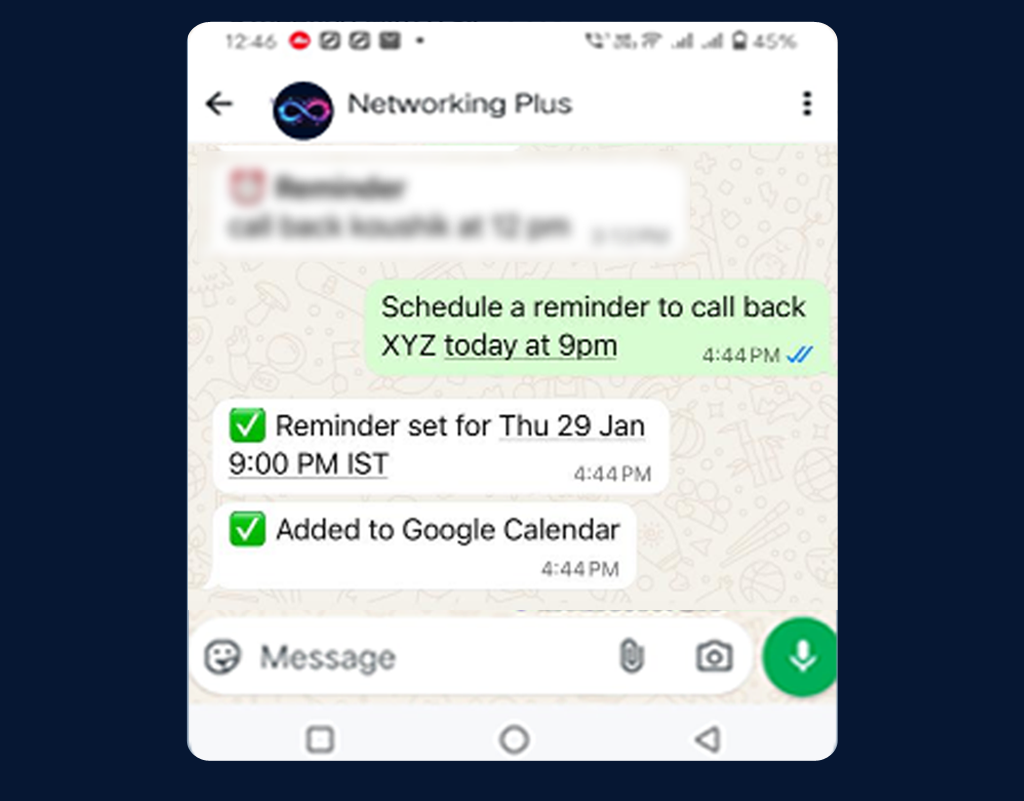
Easily set reminders for follow-ups after
scanning business cards. This feature
syncs seamlessly with Google Calendar,
ensuring you never miss an opportunity
to connect.
Automatically sync your contact data
with detailed categorization, including
location information, tags, and notes.
This feature significantly enhances your
organization and future
search
capabilities.
Instantly send preset emails to new contacts following the scanning of
their business cards. Our system extracts information directly from the scanned card, enabling you
to introduce yourself with a preset email that includes your contact details and a VCF file. This
ensures that both you and your new connection remain informed and engaged.
Discover answers to the most frequently asked questions about our
innovative
AI-powered networking solution.
Networking Plus is an AI-driven tool that helps you manage your networking efficiently through
WhatsApp. It enables you to capture, organize, and follow up on business contacts seamlessly.
Yes, we take data security and privacy seriously. All your information is encrypted and handled according to strict privacy standards.
Simply launch Networking Plus on WhatsApp, send a photo of any business card, and our AI will process and digitize the contact information for you.
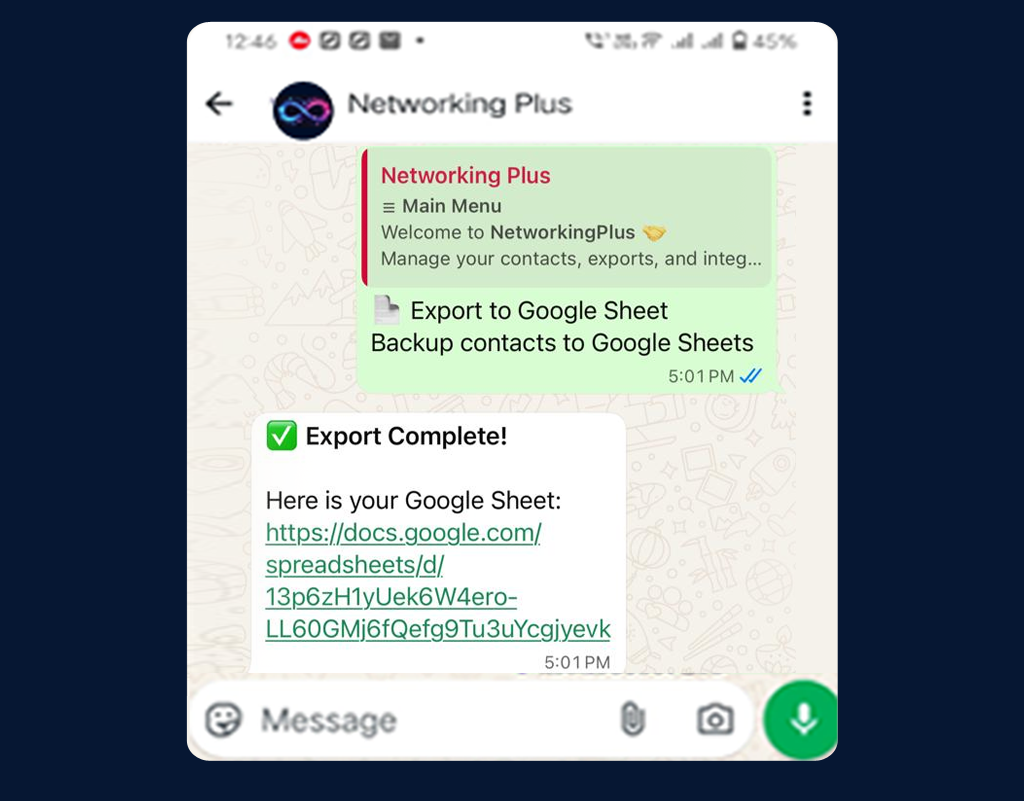
Yes, you can export your contacts directly to Google Sheets for advanced data management and organization.
Our advanced AI technology uses optical character recognition (OCR) and machine learning to accurately extract contact information from business card images in seconds.
You can create calendar events directly from the chat interface to schedule follow-ups or meetings with your new contacts.
We offer instant VCF creation, a tagging system, intelligent note management, reminder scheduling, Google Sheets integration, and automated introduction emails.
No, Networking Plus works entirely within WhatsApp, so there’s no need to download or install any additional applications.
The AI analyzes the image, identifies text fields like name, phone, email, and company, and structures them into a digital contact format automatically.
Our support team is available to assist you. You can contact us directly through the help command in the WhatsApp chat.
Yes, since it works through WhatsApp and integrates with cloud services like Google Sheets, your data is accessible wherever you can log in.
We offer 5 free scans to get you started. Contact us for pricing details on our premium plans.
Join countless professionals already leveraging our AI agent
to
simplify their contact management. Get started in less
than 30 seconds!
No Credit Card Needed • Enjoy 5 Free Scans!
Experience the power of Networking Plus without any upfront commitment. Start transforming your networking today!
We collect only what’s needed to provide the service:
• WhatsApp number (to identify your account)
• Images/documents you send (used only to extract contact details)
• Extracted contact details (so you can search and export later)
• Email (only if you register or enable export features)
Google API usage: NetworkingPlus uses Google APIs only after you connect your Google account and only to perform actions you request (for example: exporting contacts to a Google Sheet, creating Calendar events for reminders, and creating/updating the export file inside your “NetworkingPlus” folder). We do not access Gmail or Google Contacts, and you can disconnect/revoke access anytime.